China Payment Setup for Foreigners: Alipay, Cards & Cash
Set up a wallet before departure, test a real payment after landing, and handle card declines or QR-code failures without losing your airport-to-hotel plan.
Quick answer
Prepare three separate things: a mobile wallet with a supported card, a physical card, and access to RMB cash. Adding a card or opening a payment code only checks setup. It does not prove a shop can charge that card. Make your first real test a small purchase after arrival, before you depend on the wallet for transport or a hotel deposit.
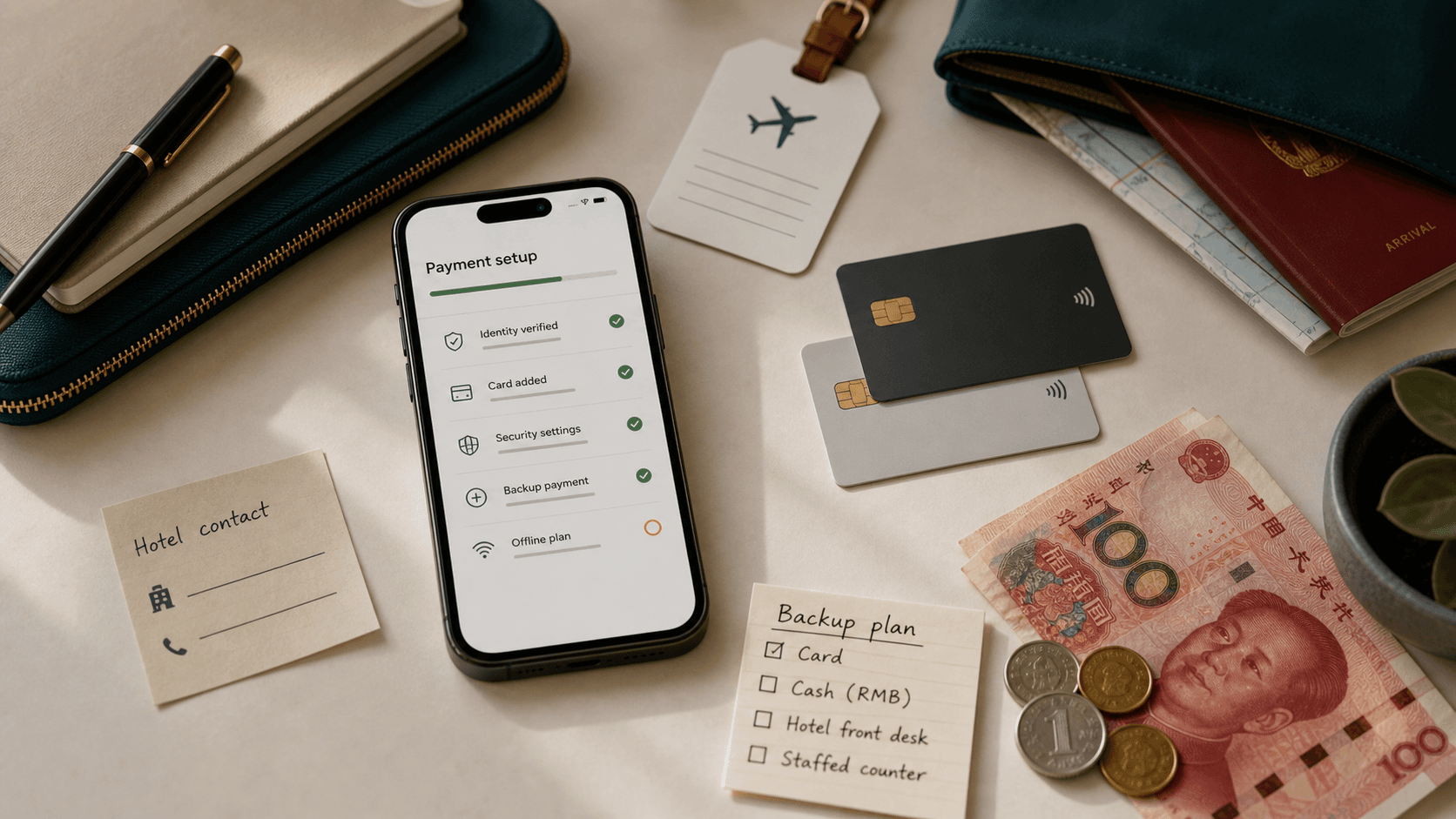
1. Work out what you must pay on arrival
- Ask the hotel whether your room is prepaid, whether a deposit is required, and which payment methods it accepts. Save the reply with your booking.
- Check the cost of your actual airport-to-hotel route, then include a meal and a backup journey in your cash plan. A single cash amount cannot cover every city or hotel.
- Keep your physical card accessible. A card accepted inside a wallet and a card accepted directly at a terminal are different payment routes.
2. Set up the wallet while you can receive verification messages
- Install the official Alipay or WeChat app. Register with a phone number you control and can still access while traveling.
- In Alipay, open Me → Bank Cards and follow the add-card prompts. In WeChat, look under Me → Services → Wallet → Cards. Menu wording may vary by version and account.
- Use your own supported card. Check the name and details, and complete any identity or issuer verification the app requests using your actual documents.
- Ask your card issuer about overseas and online purchases, authentication abroad, and foreign-exchange charges. Keep the issuer’s support contact offline.
- Do not repeatedly create accounts or submit inconsistent identity details if setup is rejected. Use the app’s help flow for the displayed error.
3. Understand the two QR-code payment flows
- Scan: you scan a merchant’s code, check the merchant name, enter or confirm the amount, then approve the payment.
- Pay: you show a fresh payment code from your wallet and the cashier scans it. Do not use a saved screenshot of the code to pay.
- A personal transfer code is not the same as a merchant checkout. If your international card cannot fund that transaction, ask for a merchant payment method or use your backup.
- Check the selected card, amount and any fee shown before confirming. Do not assume an old fee table or another traveler’s promotion applies to your account.
4. Test a real purchase after landing
- Choose a small purchase you actually need, such as water. Confirm both the wallet’s transaction record and the merchant’s receipt or confirmation.
- A visible card, balance screen or payment QR code is not a successful transaction. A successful small purchase also does not establish your limit for a hotel deposit.
- Before leaving the terminal, make sure your hotel address is saved offline and that you can pay for the fallback route if the wallet fails.
5. Match a failure to the next action
- Cannot log in or receive a code: check your connection and access to the registered number. Ask airport staff about an official help point if you are stuck.
- Card will not link or identity review is pending: stop treating the wallet as ready. Contact in-app support; use a separately prepared method.
- A payment is declined: read the error, check for an issuer alert and confirm the merchant uses a supported checkout. Avoid repeated scans without knowing the transaction status.
- Payment is pending or you received a debit notification: check transaction history with the cashier before paying again, so you do not create a duplicate payment.
- No phone power or usable data: show your saved hotel address and use the physical payment backup you confirmed for that journey.
What about PayPal?
PayPal announced US-user in-store availability at Weixin Pay merchants on August 11, 2026. Its current FAQ says these purchases use PayPal Balance; linked cards cannot directly fund this checkout. Check the feature and funding in your own app before treating it as an option.
Next step
Use the First Day Checklist to connect payment preparation with your arrival time, internet plan and hotel. Save the hotel’s payment answer and your transport backup together so you can act on them without searching through messages.