First-day preparation
WeChat Pay for Foreign Tourists: Setup Guide
How to set up WeChat Pay as a foreign visitor to China: linking your card, verification, what works, what doesn't, and whether you even need it if you have Alipay.
Updated 2026-09-17By China First Day · Editorial approach
Quick answer
WeChat Pay supports international-card payments at eligible mainland Chinese merchants. Prepare the account, verification and card before travel, then test a small merchant purchase after arrival. Merchant payments and transfers to another person are different features.
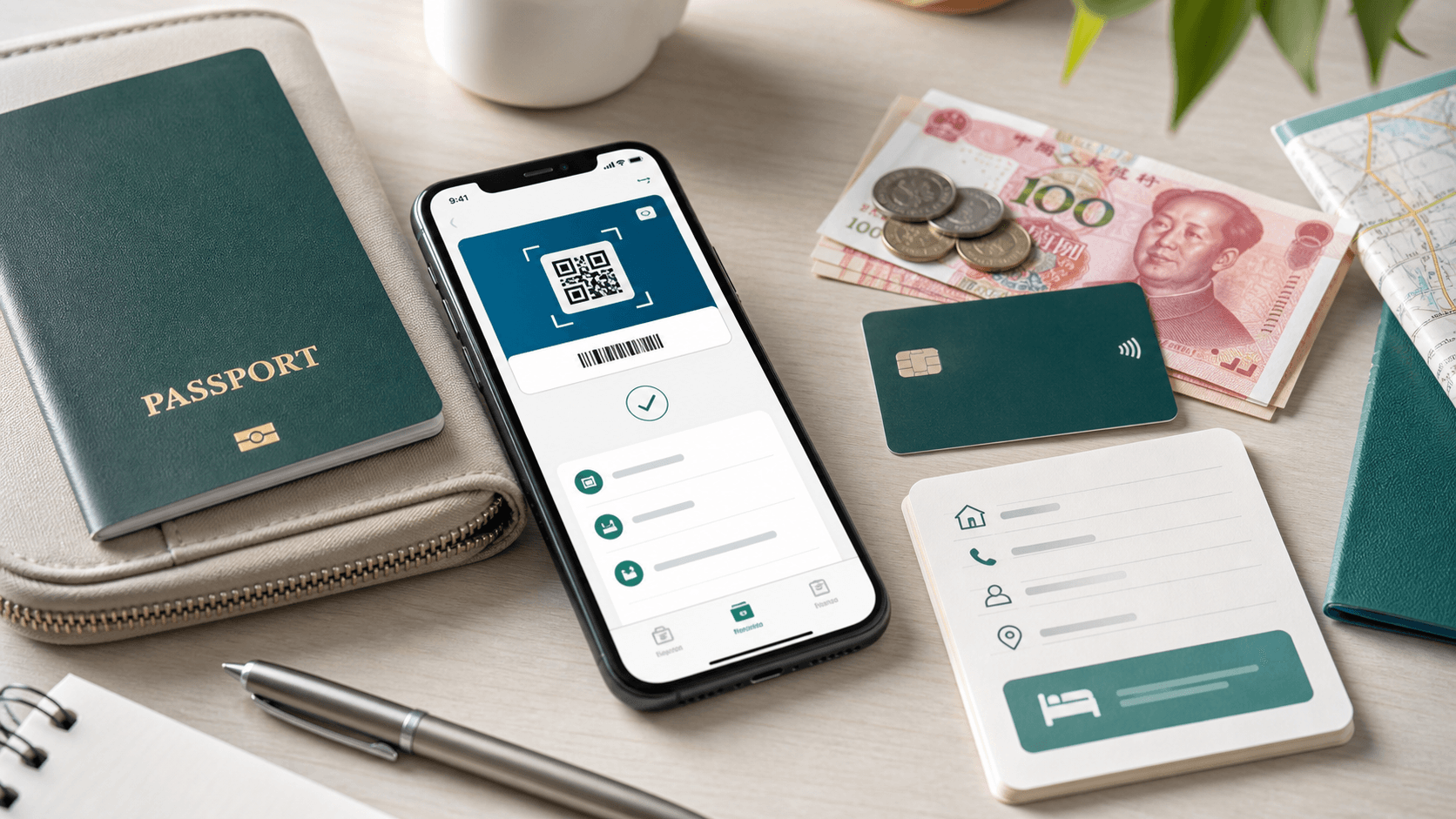
Set up before departure
- Install the official WeChat app and sign in with a phone number you can access while traveling.
- Look under Me → Services → Wallet → Cards to add your own supported card. Labels and available services can differ by account and app version.
- Complete any identity and issuer checks requested. Do not count an application still under review as ready.
- Confirm your issuer’s overseas transaction and authentication requirements. Save support details offline.
Pay a merchant
- Ask whether you should scan the merchant’s code or show your fresh payment code from the app.
- Review the payee, amount, funding card and any fee before approving. Check the transaction record and have the cashier confirm receipt.
- A QR code alone does not establish that your international card can fund the transaction. A personal transfer code is not a merchant checkout.
Do not assume transfers are included
- Do not rely on an international linked card for person-to-person transfers, red packets or wallet top-ups. Check the rules shown for that service in your account.
- A friend successfully receiving a transfer is not the same test as paying a merchant with your foreign card.
- Mini-program bookings and transport payment flows can have their own requirements. Verify the service you actually plan to use.
If payment is rejected
- Read the error and check for an issuer authentication request before trying again.
- If the payment status is pending, confirm it with the merchant to avoid paying twice.
- If identity or card verification is unresolved, switch to a separately prepared method and contact in-app support.
- Check fees and limits in the current checkout. Promotions depend on the account and terms, so do not budget around an old fee waiver.
What to keep offline
- Save the hotel’s Chinese address, phone number and deposit requirements.
- Bring your physical card and a cash plan for the first journey.
- Save instructions for where the payment feature is located, but do not save or share a live payment-code screenshot.
Next step
Build your First Day Checklist and record which payment method you will use for airport transport, the hotel deposit and a small meal.